My Hub: Your Personalized Adult Time Member Experience
We’re excited to introduce My Hub, a brand-new destination in the Adult Time Members Area designed to make finding and enjoying your favorite content easier than ever. Whether you’re revisiting a favorite scene/actor/channel/gallery, organizing playlists, or checking your viewing history (watched and downloaded content), My Hub brings everything together in one convenient place.
In this post, we’ll walk you through all the features and show you how to get the most out of your new personalized hub.
Where to find My Hub
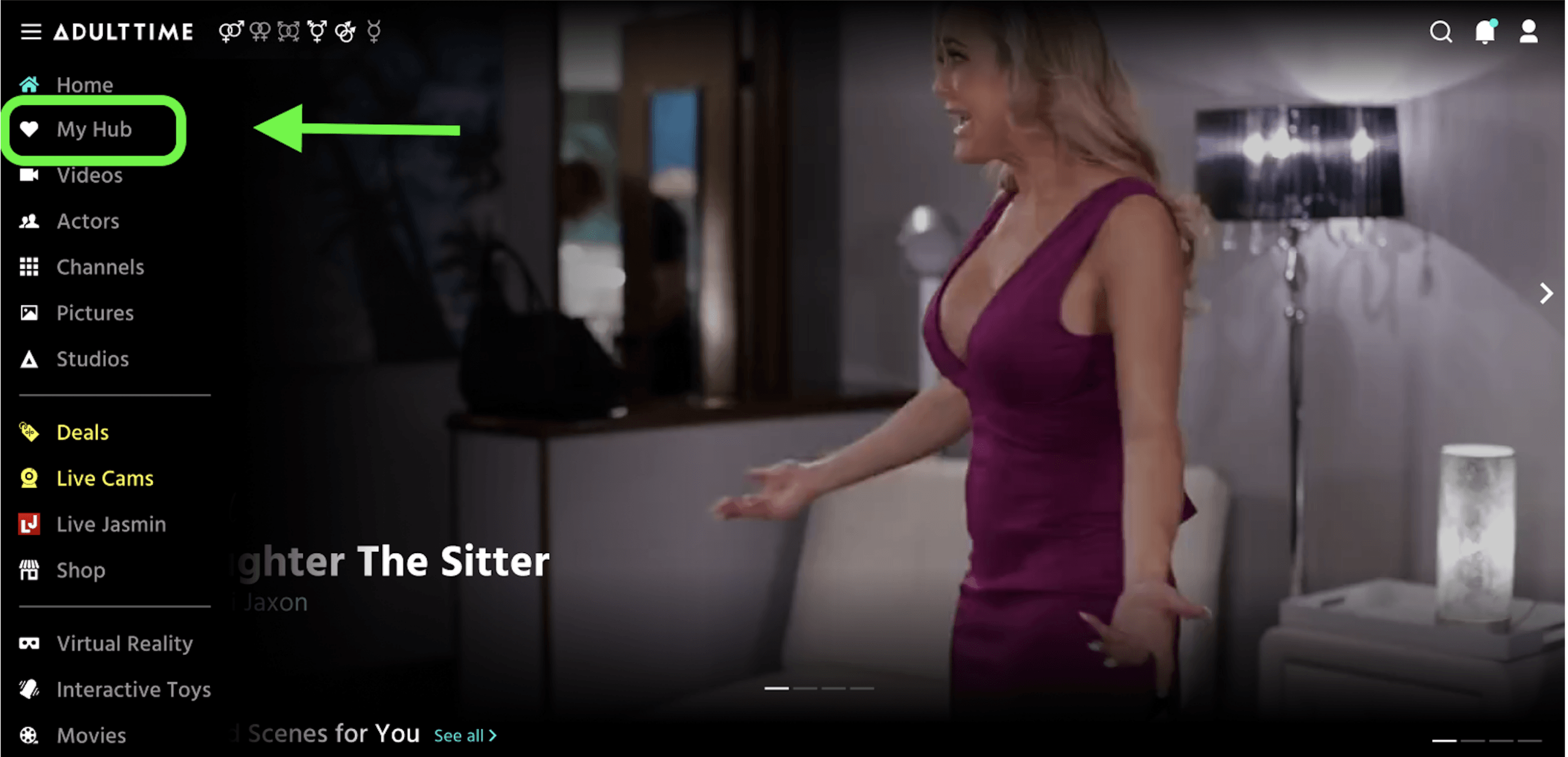
You can access My Hub by selecting the tab located at the top of the left-hand navigation menu.
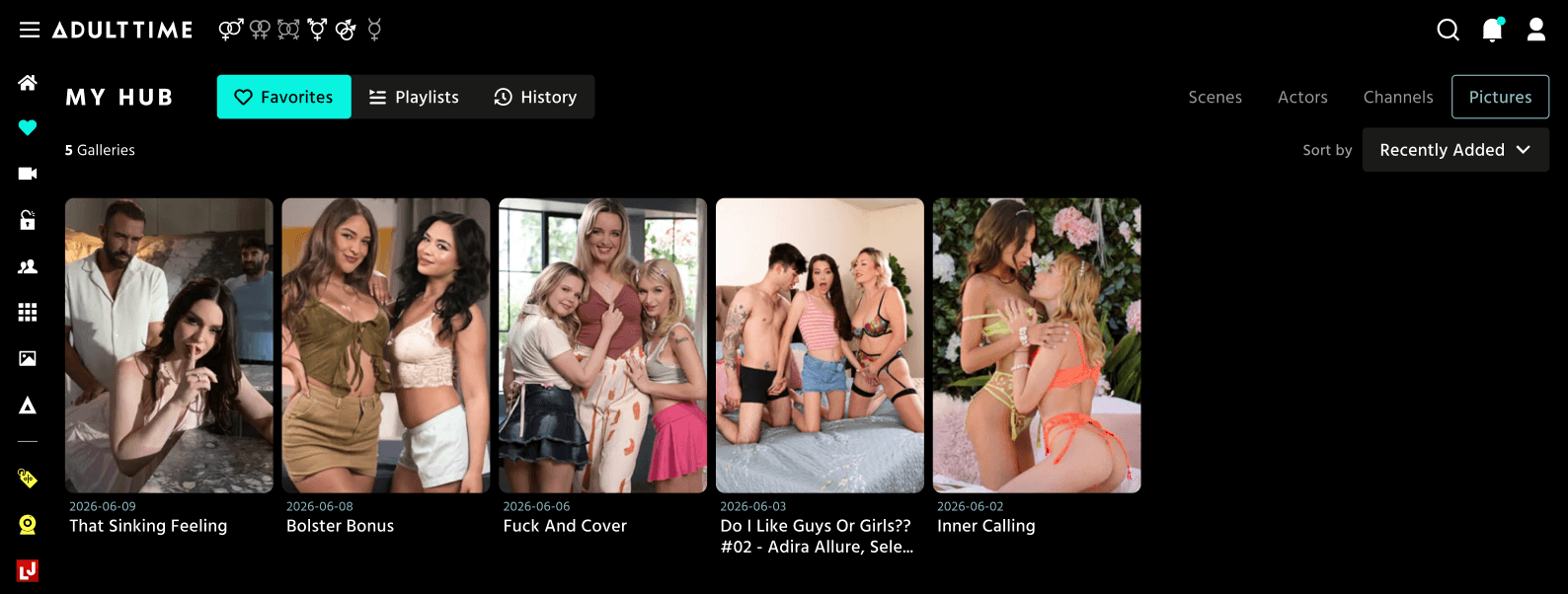
Favorites
The Favorites section makes it easier than ever to find the content you’ve saved.
- Access Favorites using the first toggle button at the top of My Hub.
- New: A dedicated Pictures section lets you quickly find and revisit the picture galleries you’ve saved.
Playlists
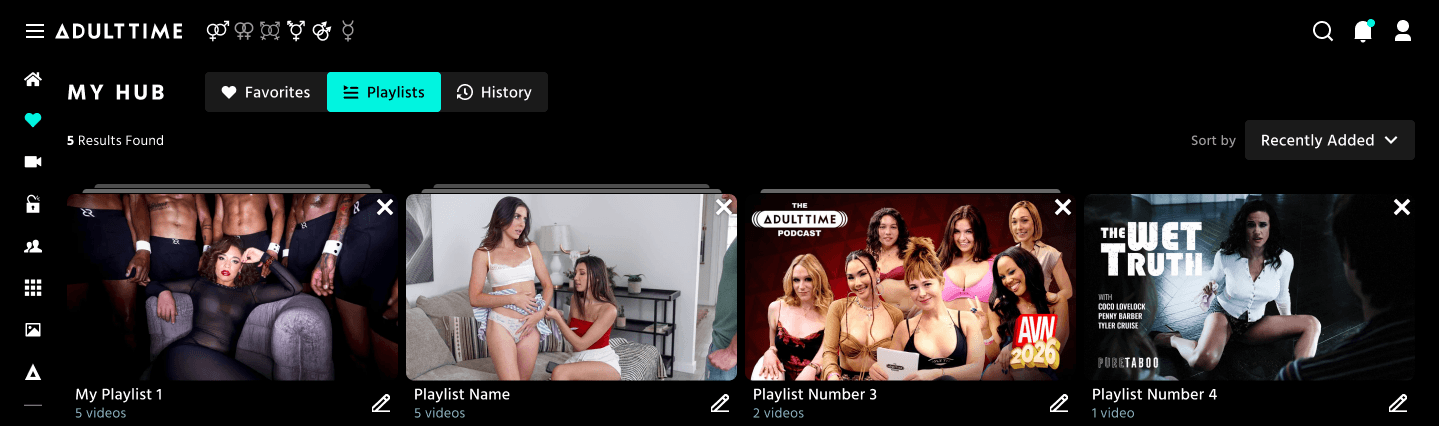
Your Playlists have been redesigned to make organizing your content simpler and more intuitive.
- Access Playlists using the 2nd toggle button at the top of My Hub.
- The new layout displays all of your playlists in a clean, easy-to-browse list.
- From this page, you can:
- Edit playlist names
- Delete playlists you no longer need
- Inside a Playlist you can:
- Rename your playlist
- Use the ‘Play All’ button to start playing your entire playlist
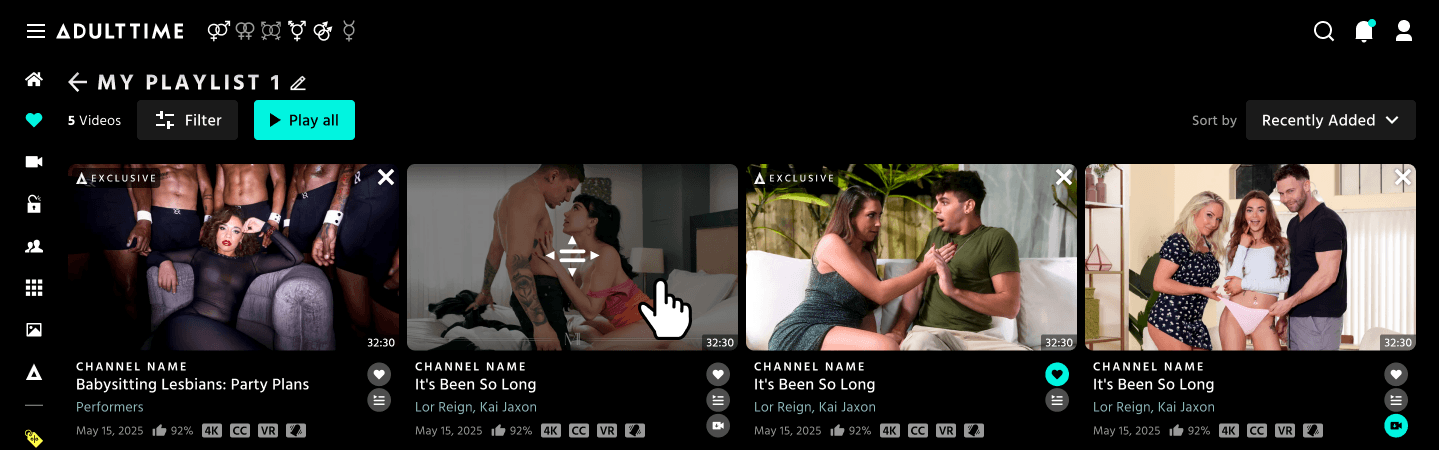
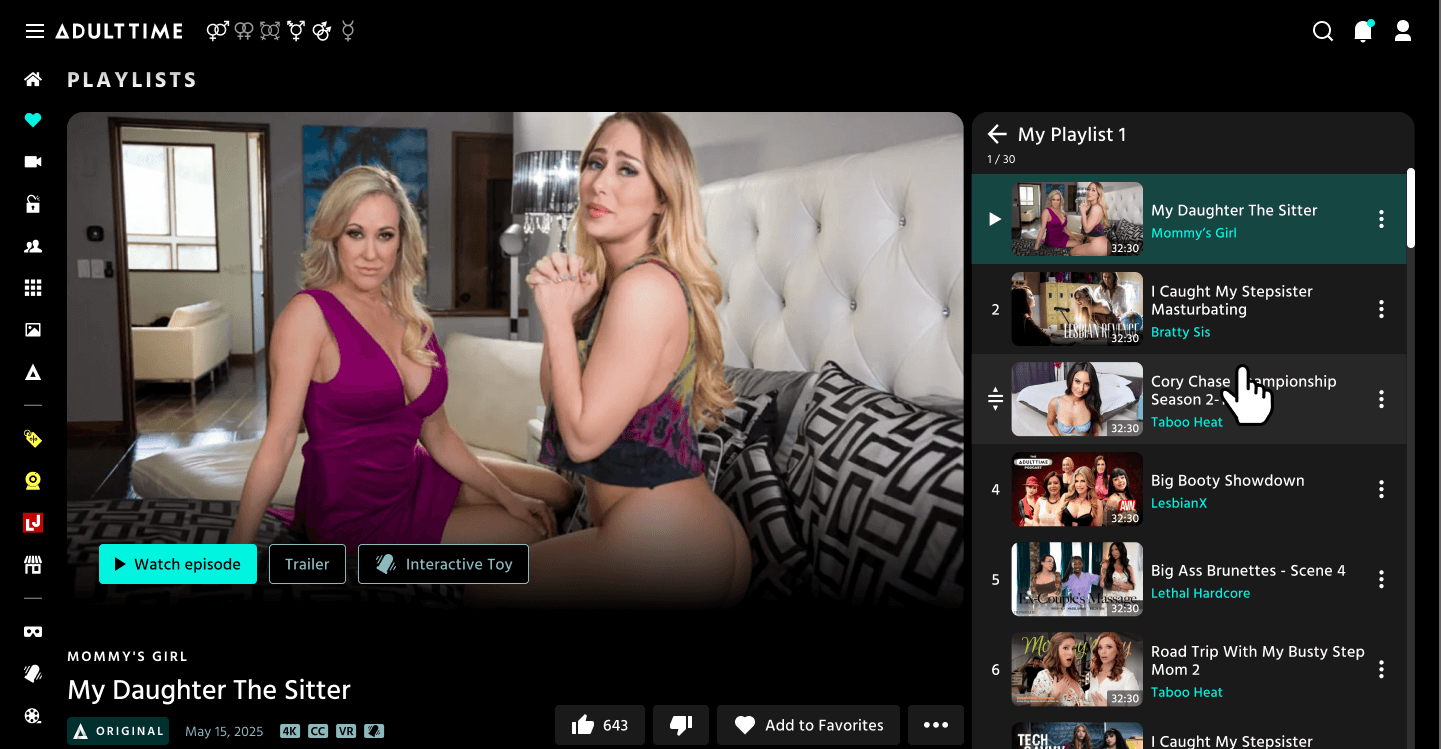
- Improved listing functionality:
- Numbered listings for easier organization
- A convenient back arrow that lets you quickly return to your full playlist library
History
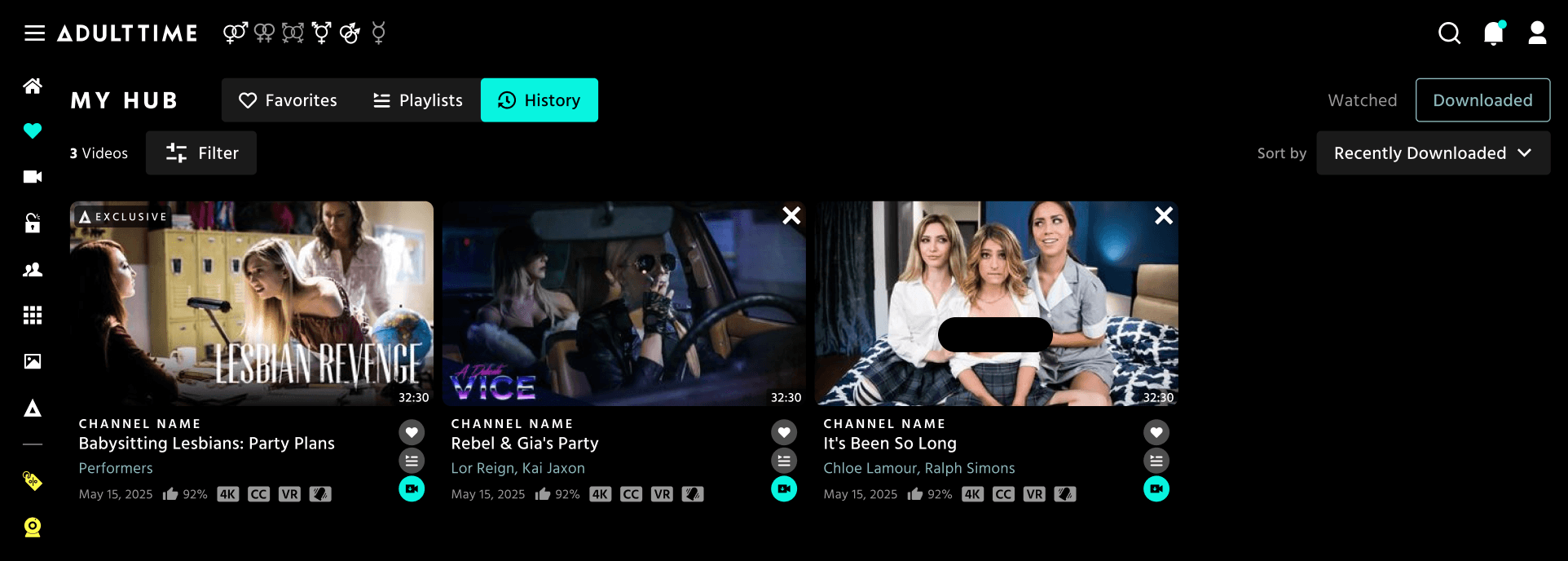
History is a brand-new section in My Hub, giving you a complete record of your activity.
- Access History using the 3rd toggle button at the top of My Hub.
- Use the toggle in the top-right corner to easily switch between your Watched and Downloaded content.
Log in today and explore your new My Hub experience!